SilkSong Mod Toggler / Manager
View on GitHubThis desktop app allows players to easily enable or disable mods for Hollow Knight: Silksong without manually moving files. It features both per-mod toggles and a global toggle for the entire BepInEx mod system.
Detecting Mods
The application scans the game's BepInEx/plugins and BepInEx/plugins-disabled directories to detect installed mods.
# Scan enabled and disabled mods
for (root_dir, dirs, file) in os.walk(ENABLED):
    for f in file:
        if f.endswith(".dll"):
            mods.append(os.path.join(root_dir, f))
for (root_dir, dirs, file) in os.walk(DISABLED):
    for f in file:
        if f.endswith(".dll"):
            mods.append(os.path.join(root_dir, f))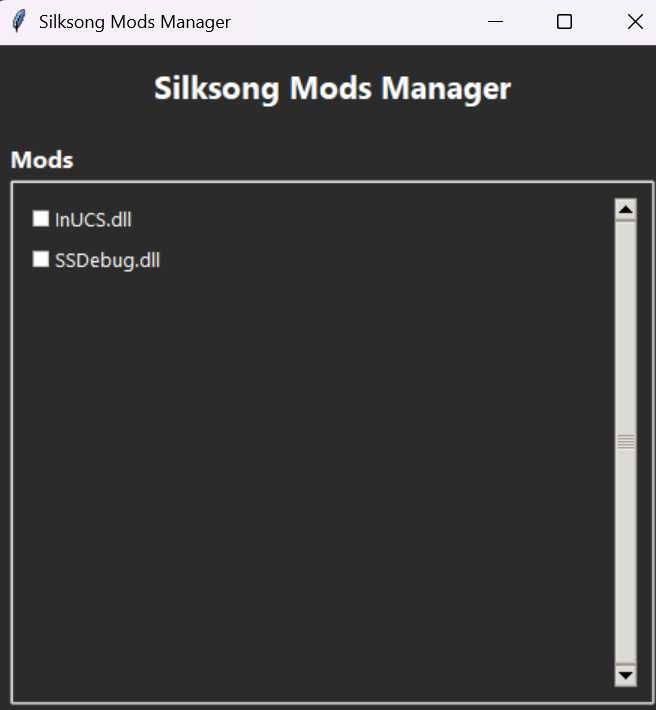
Enable/Disable Mods
Each mod can be toggled individually. The program moves the mod DLL between the enabled and disabled directories and updates the UI.
def toggle_action(path_var, switchvar):
    modpath = path_var.get()
    if switchvar:
        mod_on(modpath)
    else:
        mod_off(modpath)
    path_var.set(modpath)
def toggle_bepinex(isenabled=True):
file = GAME_DIR
folder = os.path.dirname(file)
if isenabled:
newfile = os.path.join(folder, "BepInEx")
else:
newfile = os.path.join(folder, "Disabled")
os.rename(file, newfile)
GAME_DIR = newfile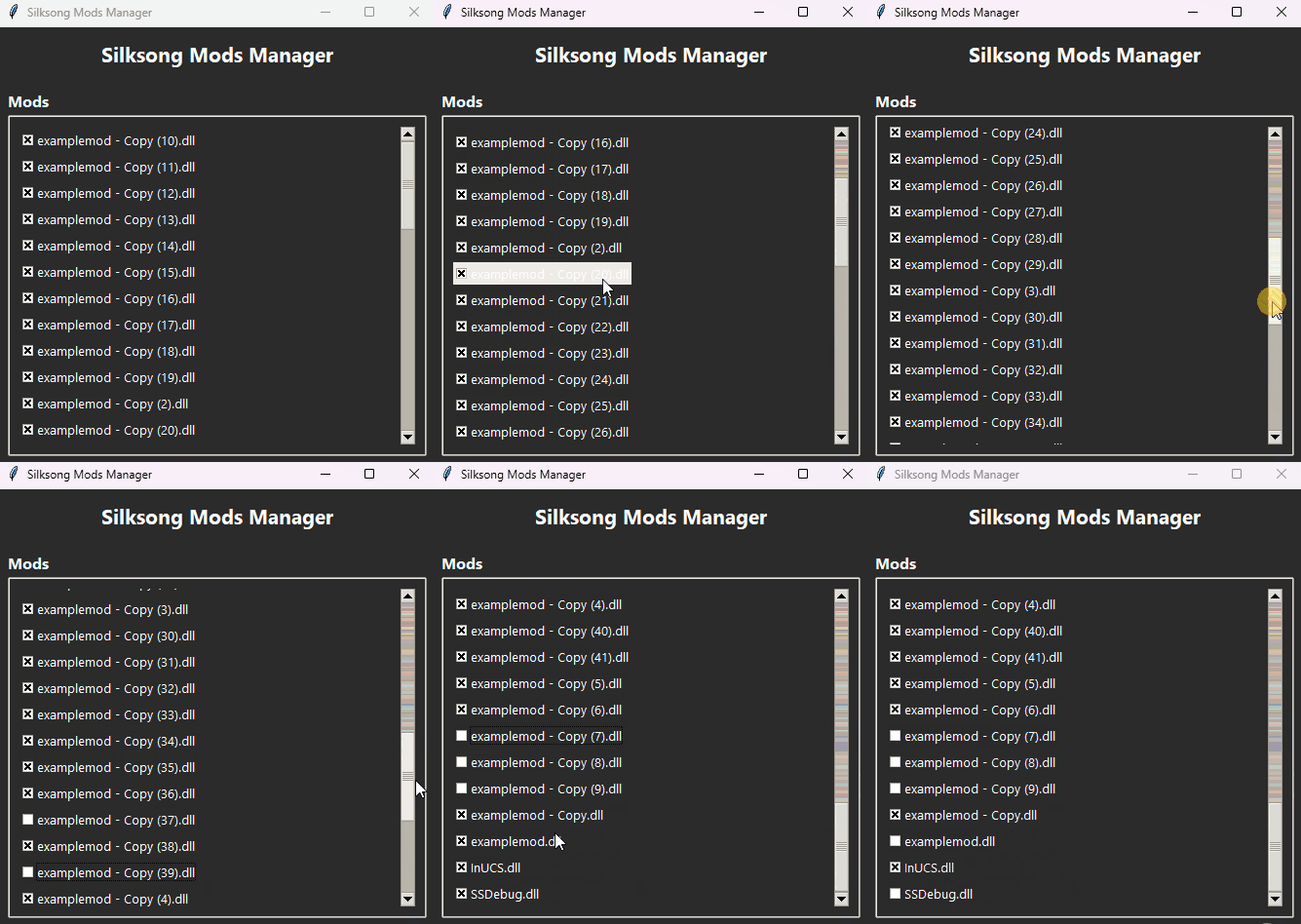
Feature Workflow
1. The app scans both enabled and disabled plugin folders to detect all mods.
2. Each mod is displayed with a checkbox reflecting its current state.
3. Clicking a checkbox toggles the mod by moving its DLL between the folders.
4. The global BepInEx toggle renames the folder to disable all mods at once.
This system simplifies mod management, reducing user errors and providing an intuitive, interactive interface.
Future plans
1. Make a it be able to install mod files.