Tetris RPG Battle System - main.cpp
View on GitHubThis project merges a traditional Tetris system with turn-based combat logic. Each piece drop, cleared line, and turn cycle affects player and enemy health. The game uses SDL2 and SDL_ttf for rendering and text handling. The file contains both gameplay and combat logic in one structure.
Overview
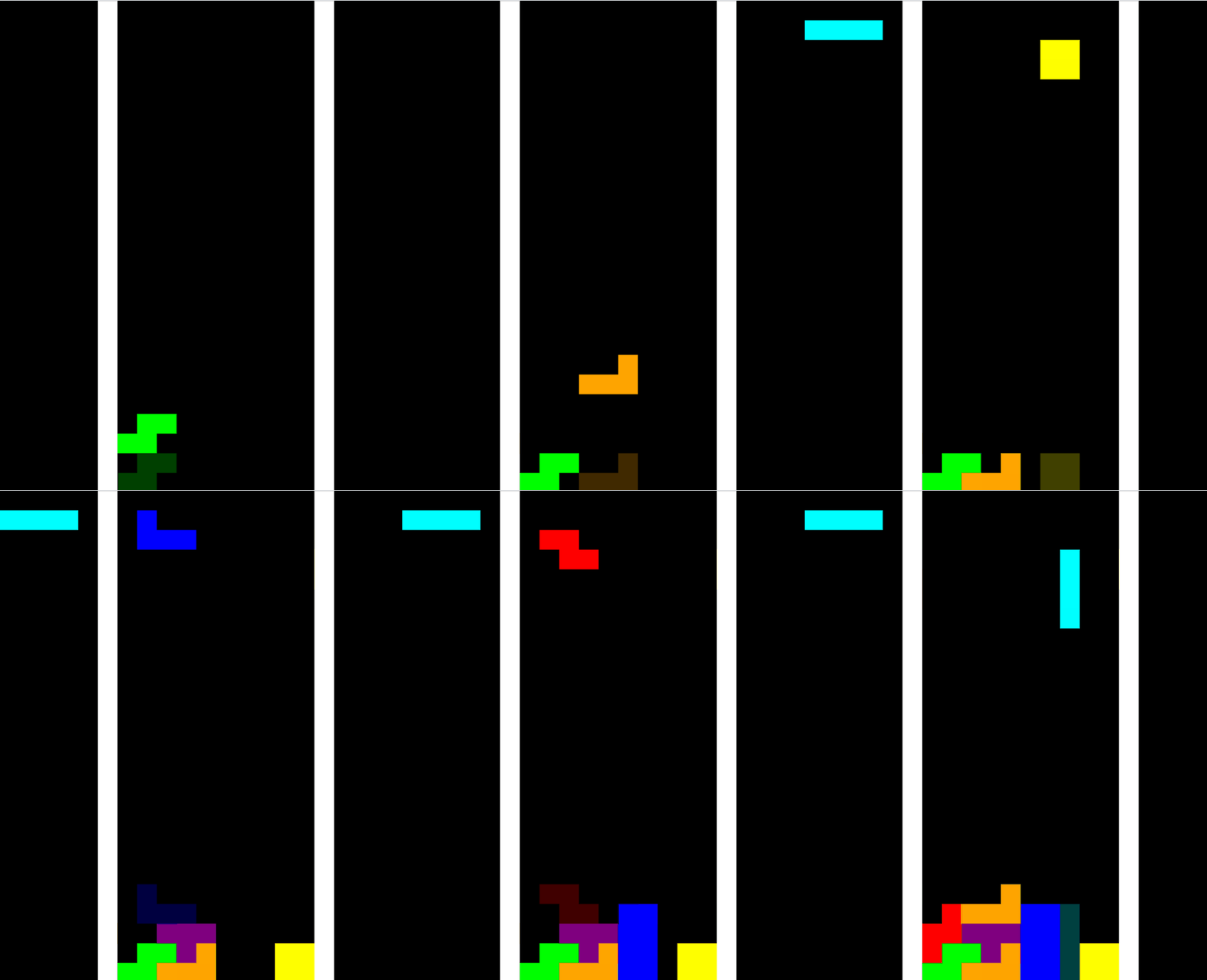
The game board is 10x25 blocks. Each block is 20 pixels. SDL handles window creation, rendering, and event input. The logic defines player and enemy classes, piece data, collision rules, and turn-based damage calculations. Combat occurs automatically through turn checks after each placement.
- SDL2 for rendering and input
- SDL_ttf for text drawing
- Dynamic Tetrimino generation with random shuffle
- Basic combat loop tied to Tetris gameplay
Player and Enemy Structure
The Player and Enemy classes define combat stats and actions. Both share basic methods for taking and dealing damage. Enemies are subclassed to scale health and reward weights.
class Enemy {
public:
    int health = 100;
    int rewardWeight = 1;

    virtual void takeDamage(int damage) {
        health -= damage;
        if (health <= 0) {
            std::cout << "Enemy defeated!\n";
            health = 0;
        }
    }

    virtual int dealDamage() const {
        return 10;
    }
};

class Player {
public:
    int health = 100;
    int attackMultiplier = 1;
    int defenseMultiplier = 1;
    int numberOfTurns = 20;

    void takeDamage(int damage) {
        health -= damage;
        if (health <= 0) {
            std::cout << "Player defeated!\n";
            health = 0;
        }
    }
};
The base classes handle health logic and basic attacks. Each subclass such as Enemy1 or Enemy4 defines different starting health and rewards. The structure is simple but clear for expansion.
Tetrimino Handling
Tetrimino pieces are defined through hardcoded point sets that describe rotations. Each shape is assigned a color. The system supports rotation and position updates for collision checks and rendering.
struct Tetrimino {
    std::vector<std::vector<Point>> rotations;
    int rotationIndex = 0;
    Point position;
    SDL_Color color;

    std::vector<Point> getCurrentShape() const {
        std::vector<Point> shape = rotations[rotationIndex];
        for (auto& p : shape) {
            p.x += position.x;
            p.y += position.y;
        }
        return shape;
    }

    void rotate() {
        rotationIndex = (rotationIndex + 1) % rotations.size();
    }
};
Rotation is handled by switching the current rotation index. The getCurrentShape method offsets each block by the piece’s grid position. This method is used in collision checks and rendering.
Line Clearing and Turn System
When the player clears lines, the number is stored for the current turn. After a set number of turns, the system checks who attacks next. Line clears translate directly into attack strength.
void clearLines() {
    int linesThisTurn = 0;
    for (int y = GRID_HEIGHT - 1; y >= 0; --y) {
        bool full = true;
        for (int x = 0; x < GRID_WIDTH; ++x) {
            if (grid[y][x].a == 0) {
                full = false;
                break;
            }
        }
        if (full) {
            ++linesThisTurn;
            for (int row = y; row > 0; --row) {
                grid[row] = grid[row - 1];
            }
            grid[0] = std::vector<SDL_Color>(GRID_WIDTH, { 0, 0, 0, 0 });
            ++y;
        }
    }
    linesCleared += linesThisTurn;
    if (linesThisTurn > 0) {
        std::cout << "Lines cleared this turn: " << linesThisTurn << "\n";
    }
}
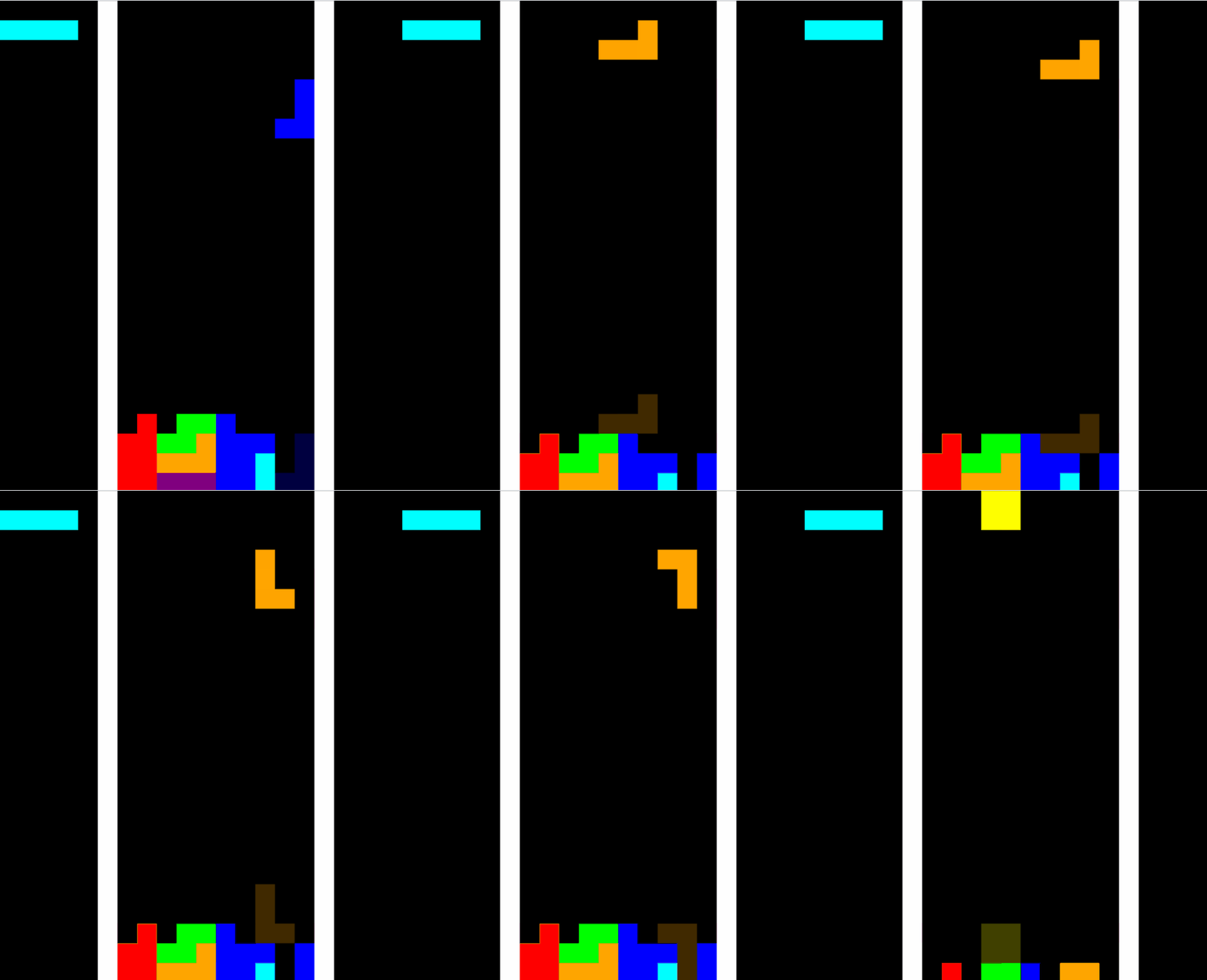
Cleared lines shift the board downward and add to the damage counter. Each block is checked for transparency. Full rows are replaced with empty ones, updating the score and triggering battle events.
Damage Calculation and Turn Logic
Each turn, the system alternates between player and enemy. When the player finishes enough turns, total lines cleared are converted into attack power and applied as damage. Enemy attacks follow the same logic.
void DealDamageToEnemy(Enemy* enemy, Player player) {
    enemy->takeDamage(getTotalLinesCleared() * player.attackMultiplier);
}

void DealDamageToPlayer(Player player, Enemy* enemy) {
    player.takeDamage(enemy->dealDamage() - getTotalLinesCleared() * player.defenseMultiplier);
}

void checkTurns(Player player, int turnIndex) {
    if (turnsCompleted > player.numberOfTurns && turnIndex == 0) {
        DealDamageToEnemy(enemies[enemyIndex].get(), player);
        turnIndex = 1;
    } else if (turnsCompleted > player.numberOfTurns && turnIndex == 1) {
        DealDamageToPlayer(player, enemies[enemyIndex].get());
        turnIndex = 0;
    } else {
        turnsCompleted++;
    }
}
The code tracks turns using counters. After the player’s moves exceed a set limit, the system switches control to the enemy. Attack and defense multipliers scale the effect of cleared lines and received damage.
Rendering and Input
The render function draws the board, pieces, health text, and walls. It also generates a ghost piece that shows where the current piece will land. The player moves pieces with the arrow keys or WASD.
void render() {
    SDL_SetRenderDrawColor(renderer, 0, 0, 0, 255);
    SDL_RenderClear(renderer);
    SDL_SetRenderDrawBlendMode(renderer, SDL_BLENDMODE_BLEND);

    for (int y = 0; y < GRID_HEIGHT; ++y) {
        for (int x = 0; x < GRID_WIDTH; ++x) {
            if (grid[y][x].a != 0)
                drawBlock(x, y, grid[y][x]);
        }
    }

    ghost = current;
    while (isValidPosition({ghost.position.x, ghost.position.y + 1})) {
        ghost.position.y++;
    }

    for (const auto& p : ghost.getCurrentShape()) {
        drawGhostBlock(p.x, p.y, ghost.color);
    }

    for (const auto& p : current.getCurrentShape()) {
        drawBlock(p.x, p.y, current.color);
    }

    SDL_RenderPresent(renderer);
}
Rendering occurs at roughly 60 FPS. The ghost piece and held piece mechanics help visualization during gameplay. SDL manages draw order and updates through texture copying and fill operations.
Summary
This project merges Tetris mechanics with a combat loop. Each action affects both puzzle progress and battle outcomes. The system is straightforward and integrates gameplay flow and combat logic in a single file.